Best Cars in Turbo Soccer: Evidence-Based Choices
How to choose a Turbo Soccer car on evidence: each body has its own hitbox, square shapes land easy touches, and flat shapes lift the ball into the air.
Quick answer: Turbo Soccer cars have no published stats, so there is no car tier list and nobody can honestly name a single best model. What is documented is behavior: each car has its own hitbox, a big boxy body with "a massive square" hitbox lets you hit the ball really easily, and a very flat body drives into the ball like a ramp that sends it flying into the air. Starting out, favor the boxy shape; if you want to lift the ball for aerials, try a flat one — the creator demonstrating this calls it personal preference, not a ranking.
Why car choice matters at all
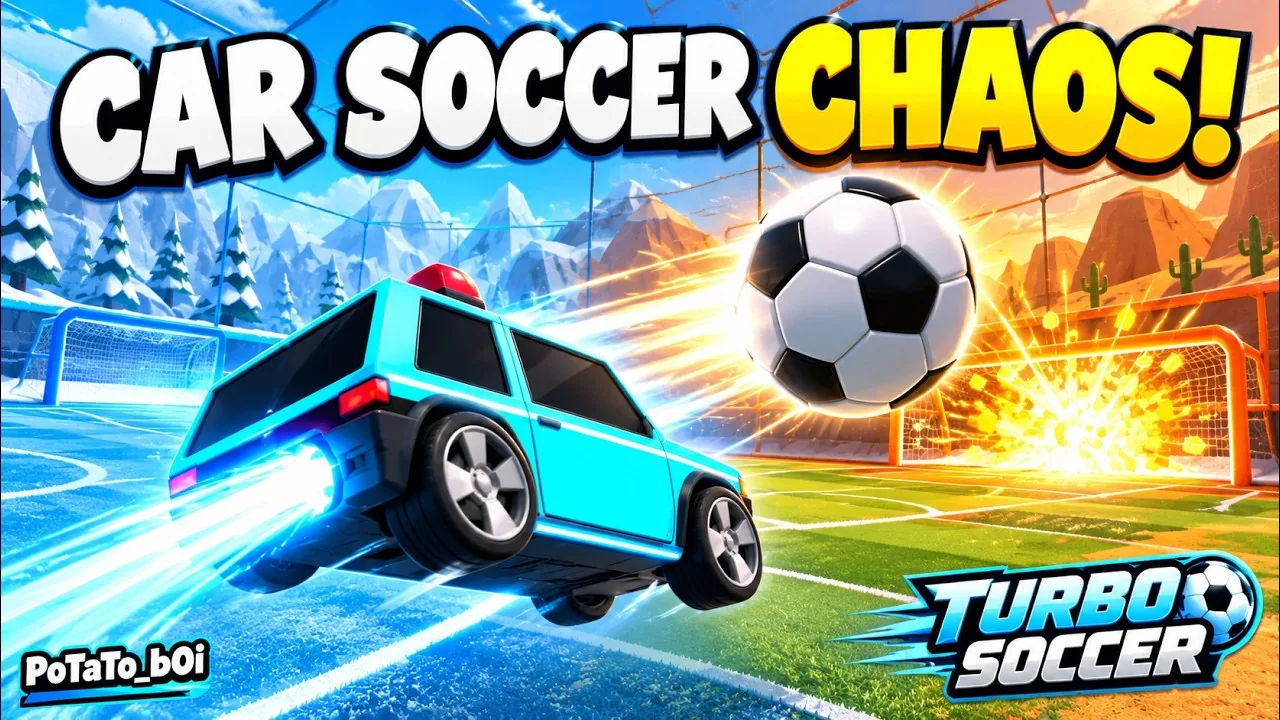
In one creator's narrated gameplay, switching cars visibly changes the hitbox you play with, and his advice when picking a car is to think of the hitbox first, "because each car has its own hit box." That makes body shape the one practical comparison axis the evidence actually supports. Two independent sites note that cars have no published stats and decline to rank them — so any named-model tier list you see elsewhere is invented, not measured.
The two shapes with documented behavior
| Body shape | Demonstrated contact behavior | Best suited for |
|---|---|---|
| Big, boxy body — "a massive square" hitbox | You can hit the ball really easily | Reliable, beginner-friendly ball contact |
| Very flat body | Driving into the ball works "like a little bit of a ramp" and the ball goes flying into the air | Lifting the ball for aerial play — the demonstrator's personal pick |
Two caveats come straight from the demonstration itself. The flat body is only the demonstrator's personal pick — he says outright that "it's just going to be personal preference." And both cars were shown on screen but never named, so these behaviors attach to shapes, not to model names.
How to choose between the shapes
- Look at the body before the name. Shape drives the hitbox, and the hitbox drives contact.
- New to the game or whiffing touches? Go boxy. A big square hitbox makes the ball easier to connect with. The beginner guide covers the fundamentals to pair with it.
- Building toward aerials? Try a flat body and drive through the ball so it ramps upward. Practice the follow-through first — the demonstrator recommends the mini games' rings course, where it is easy to lose control at first.
- If steering feels impossible, switch to a calmer, more balanced frame before blaming your hands — a twitchy car amplifies bad sensitivity. The controls guide gives this advice but names no balanced model, and the car tier list it points to does not exist anywhere else, so treat it as direction, not a shopping target.
- Test before you commit. Take two shapes into Free Play or the rings mini game and compare how cleanly each one touches and lifts the ball.
The documented roster — and what each role actually is
- Starter bodies. Chosen when you begin; the named example is the Rally car.
- Unlockable alternatives. The Turbo Soccer wiki names Cheesebread and Tun Sahu.
- Competitive archetypes. One review groups the starter builds as resembling a hybrid of Rocket League's Octane, Fennec, and Dominus hitboxes.
- Novelty models. Cheese Bread, Royal, Beetle, and Taxi. Cheese Bread is the only named model seen in a real match — pulled from an epic pack and taken straight into a 1v1 — but the narrator there describes his own control struggles, never the car's behavior relative to other bodies.
- The Level 15 unlock. A garage walkthrough says reaching account Level 15 grants a specific car and calls it "a very good car" — no name, no reason given. A review independently confirms Level 15 unlocks specific ride models. Treat the praise as an unverified creator claim, not a tested recommendation.
- "Exclusive cars." The game description promises exclusive cars unlocked through play; it names no car, hitbox, speed, or price, so this is a group, not a hidden roster.
No roster entry carries documented behavior, so don't map the square-versus-flat advice onto any model name.
How you get more cars
New bodies come from packs opened in the garage and from account leveling — XP unlocks entire vehicles, and Free Play practice earns XP too. The 7-day daily login calendar adds currency packs, bonus XP, and a guaranteed high-tier pack on Day 7, and promo codes redeemed under Settings → Codes grant starter packs and cosmetics (current codes live on the codes page). The full breakdown is on our how to unlock cars page, and decals, wheels, paints, and trails you own are handled on the car customization page.
One open question: do pack-pulled bodies play differently?
The hitbox demonstration and one wiki FAQ directly disagree. The demonstration shows car choice changing the hitbox and contact behavior; the FAQ states that items obtained from packs, "such as chassis bodies, wheels, and trails, are purely cosmetic and do not alter vehicle speed or performance." The sources don't explain the disagreement — for example, whether pack-pulled chassis differ from the base selectable bodies. Until it is resolved, don't assume a body from a pack will change your contact behavior the way the demo's selectable cars did; test it in Free Play. No source claims any body changes top speed.
Limits of the current evidence
- No named model — Rally, Cheesebread, Tun Sahu, Cheese Bread, Royal, Beetle, or Taxi — has documented match or practice behavior, and the demonstrator's square and flat cars were never named.
- The shape advice comes from a single creator's narrated session, with the aerial pick explicitly framed as personal preference — not a controlled or repeated test.
- The game is described as Beta 1.0; rosters and handling can change with physics updates, so recheck in-game rather than copying outside-the-game tier ranks or assuming any car is universally fastest.
Next step: open your garage, compare the shapes you own, run two of them through the mini games rings course and Free Play, then commit to the one that touches and lifts the ball the way you want. For the aerial side, the aerial guide picks up where the ramp launch leaves off.
Related Guides
Minigames Guide
Pick the right drill: Rings trains aerial control, Shot on Target trains placement, plus Volleyball and Kart.
Aerial Guide
Go from takeoff to a first controlled aerial touch with Right Mouse jump, float, flips, and a short Free Play drill.
Car Customization Guide
Find the Garage, equip paints, wheels, trails, and toppers, and confirm every cosmetic change applied to your car.
How to Unlock Cars
Every documented way to get a new car: earn XP to Level 15 and open pack and login rewards.