BONUS10+10% coins on your next coin purchase
Source checked:
Drive into fast car-soccer matches, send the ball toward goal, and show off your customized ride across different arenas.
Game Updates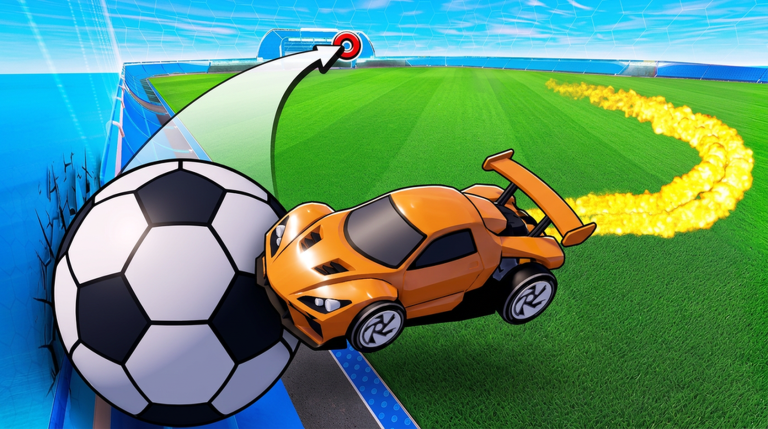
The checked code list with exact strings, rewards and redemption steps.
BONUS10Source checked:
PACKSource checked:
| Code (click to copy) | Rewards | Status | Source checked |
|---|---|---|---|
BONUS10 | +10% coins on your next coin purchase | Reported active | |
PACK | 1 exclusive pack | Tested active |
Browse skill guides, current promo codes, car comparisons, ranked play, pack rewards, practice drills, and the latest game updates.
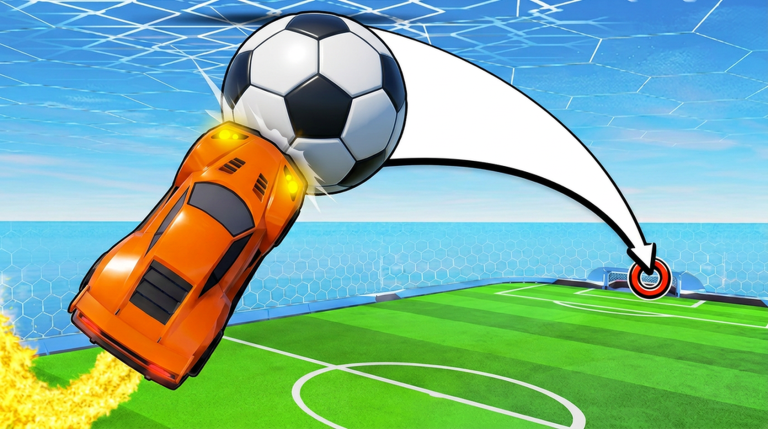
Turbo Soccer is a multiplayer sports game on Roblox, playable with PC keyboard and mouse, mobile touch controls, or a compatible console controller. Players can team up with friends, pursue higher ranks on the leaderboards, and unlock additional cars and cosmetic items.
Open CodesDeveloper
Turbo Soccer
Platform
Roblox
Genre
Sports & Racing
Created
Sep 19, 2026
Controls
PC, Mobile, Console
Team Play
Friends and Teams
Progression
Ranks and Unlocks
Max Players
50
From tutorial to your first casual kickoff in five steps.
Learn throttle (W), boost (hold Left Mouse), flips (Right Mouse) and the camera
Finish onboarding
Practise driving and ball touches without pressure
The HUD shows the score limit and timer for that match
The core PC key map three independent guides agree on.
| Action | PC input |
|---|---|
| Throttle (forward) | W |
| Reverse / brake | S |
| Steer | A / D |
| Boost | Left Mouse Button (hold) |
A repeatable ranked session routine built on what actually moves your rank.
Pre-queue setup keeps rewards from distracting you mid-session.
Stop at the set boundary, win or lose.
Confirm input feel before you enter competitive queues.
The climbing habits guides credit most.
Community-recommended competitive camera values, and where to change them.
| Setting | Community value | What it does |
|---|---|---|
| Field of View | 110 | Maximizes arena vision so you spot challenges earlier |
| Distance | 270 | Pulls the camera back for a broader view around the car |
| Height | 100 | Positions the camera to see over the ball |
| Angle | -3 | Tilts the view slightly downward toward the pitch |
Every queue in the Beta build and what each one is for.
| Mode | What it is |
|---|---|
| 1v1 Duels | Individual matchups decided by kickoff control and defensive recovery |
| 2v2 Doubles | The most balanced competitive mode, built on passes and net rotation |
| 3v3 | Standard team play with three drivers per side |
| Four Goals | Free-for-all with four colored nets — defend yours, attack three rivals |
The every-match restart routine, from whistle to first touch.
All four wheels on the ground keeps you from being launched out of position.
What documented gameplay says about picking between car body shapes.
| You want | Pick |
|---|---|
| You want the easiest ball contacts | A tall, boxy body — creators demonstrate it hits the ball really easily |
| You want to pop the ball into the air | A flat body ramps the ball upward — one creator's personal pick for aerial launches |
| You just reached Level 15 | Claim the garage unlock creators call a very good car — the model is never named, so try it yourself |
Quick answers to the questions Turbo Soccer players ask most, with links to the full guides.
Get oriented with the game, then take your car into a Roblox match.